★★★★★ 5,000+ people reclaiming their time

Scroll Less Live More

The distraction blocker designed to be impossible to bypass.

Elliot Bewick speaking into a microphone

“SHIFT is the only app that has actually helped me get my focus back. I’ve tried them all. This one works.”

Elliot Bewick Creator & Host of the Next Generation Podcast
Partner page For Elliot's audience ready to make their phone less addictive.

The screen time solution that's impossible to bypass.

SHIFT is a desktop-controlled blocker for your phone, designed for the moment willpower gets weak.

30-day Money-back guarantee
5.0
5,000+ people reclaiming their time
Start free 3-day trial

Connect your device, block distractions, and keep useful tools.

Step 01

Connect your device

Desktop control locks filter mode on your phone, without phone-side workarounds.

Step 02

Block the distractions

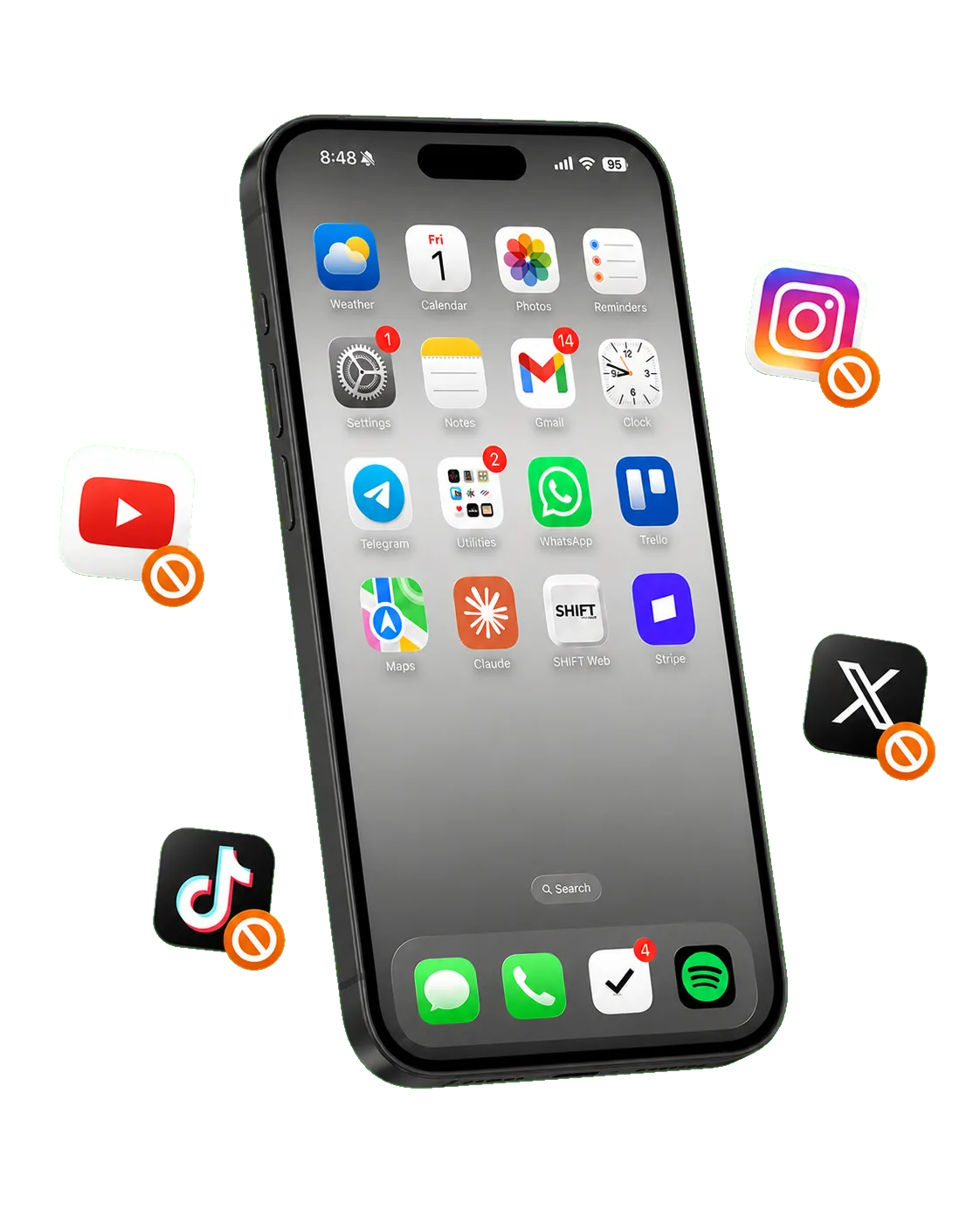
Entertainment, social media, and escape routes are disabled.

Step 03

Keep the tools

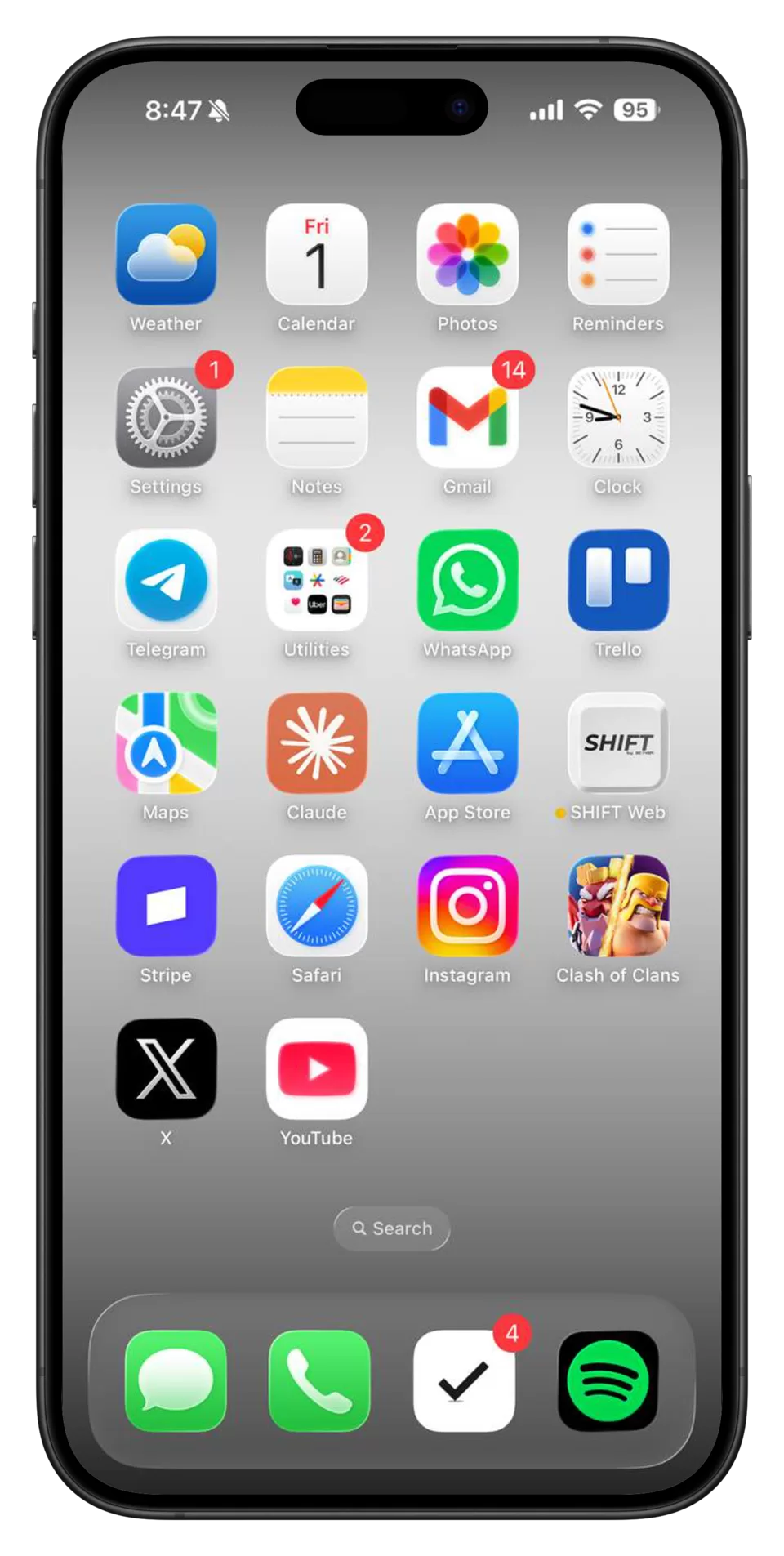
The apps you actually need remain usable, so focus mode does not break your day.

How we solve the problem

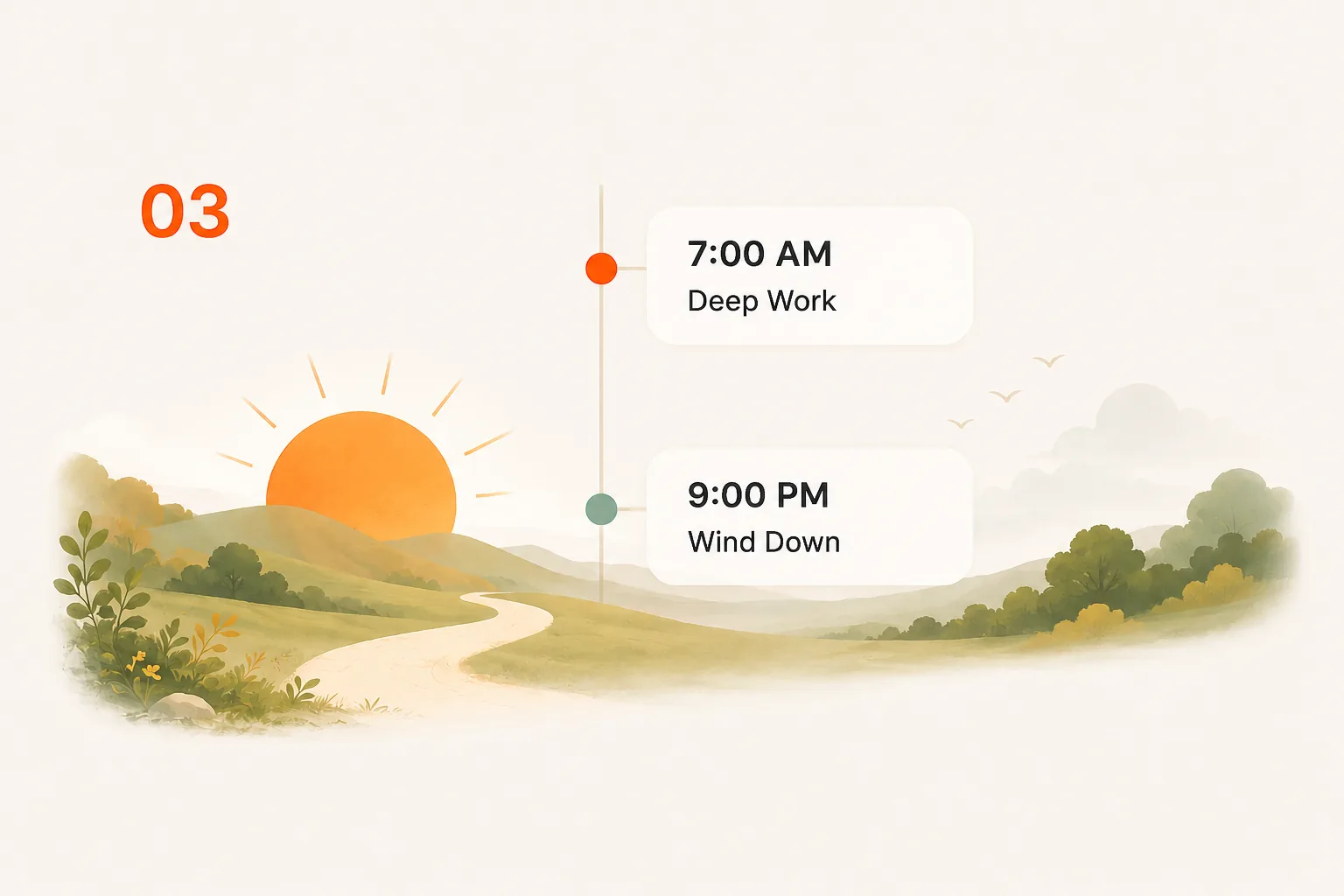
Start a shift, create schedules, begin a focus session.

SHIFT is the only screen-time solution that is impossible to bypass from your phone. Manual shifting, focus mode, and schedules keep the backdoors closed.

Feature 01

Manual shifting

Shift your phone instantly whenever you need. Distracting apps and websites stay blocked until you unshift.

Shift now. Stay in control.
Feature 02

Focus mode

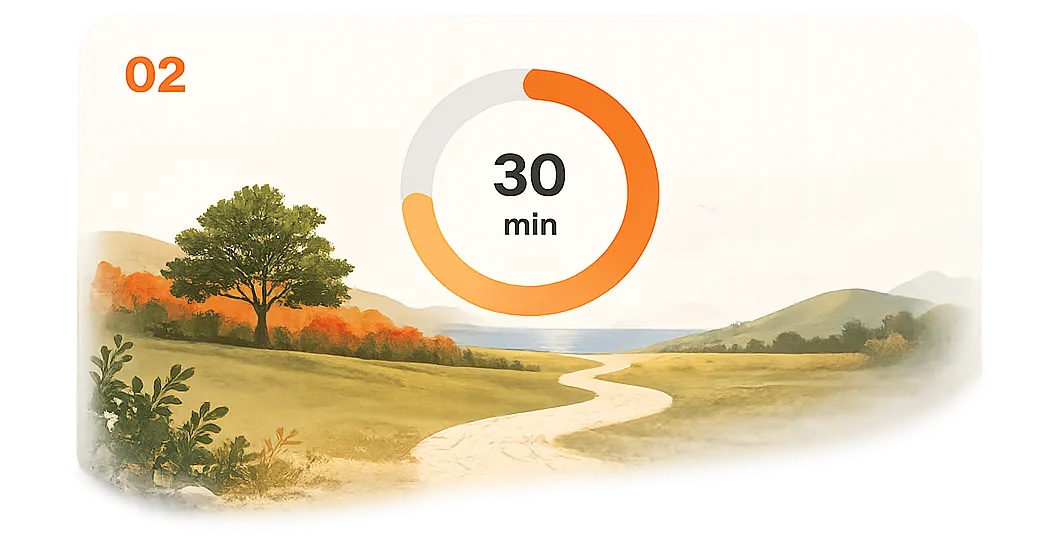
Choose how long you want to focus. Once started, distracting apps and websites stay blocked until time is up.

No exits. No shortcuts. Just focus.
Feature 03

Schedules

Create custom schedules that run automatically. SHIFT handles the discipline so you don't have to.

Set it once. Stay consistent.
Start free 3-day trial

What makes us different

SHIFT is designed to be impossible to bypass. Other blockers keep the key on your phone. SHIFT moves it out of reach.
Other blockers

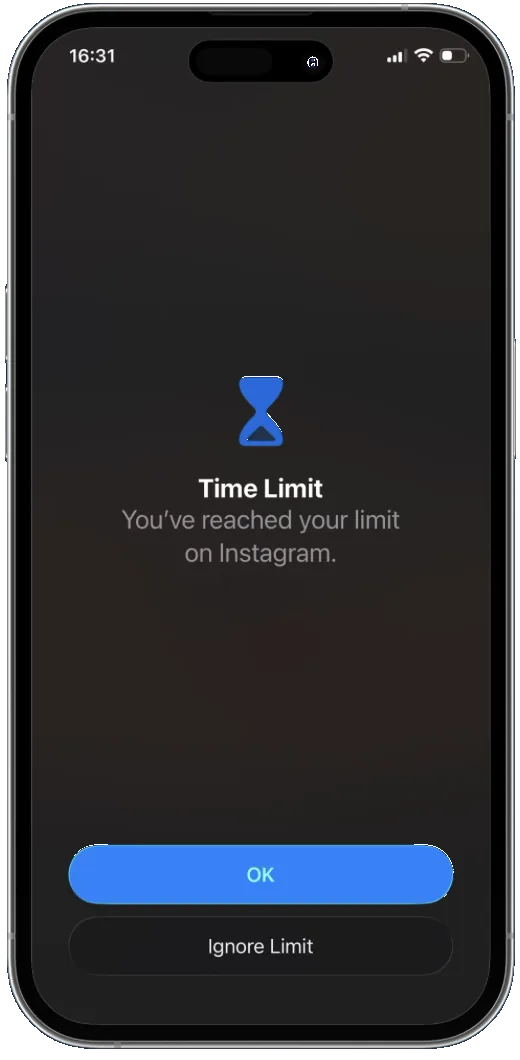
  • Apple Screen TimeTap one button to ignore the limit.
  • OpalDelete or remove the app when willpower drops.

  • BrickPhysically tap to unlock whenever you want.
  • FreedomPhone-side controls still leave escape routes.
  • Most blockersNo true lock for schedules or focus sessions.

SHIFT

  • Controlled from your desktop
  • Cannot disable or uninstall while shifted
  • Create schedules and focus sessions
  • Limits cannot be ignored
  • Closes every loophole
SHIFT closes every exit. Once your phone is shifted, the blocker cannot be removed or bypassed from the phone. Schedules and focus sessions stay locked until their set end time.
I want the details

SHIFT is a desktop-controlled app blocker for iPhone, iPad, and Android. Unlike Screen Time, Opal, Brick, and other app blockers that rely on Screen Time APIs and can be bypassed or deleted from the phone, SHIFT is the only app blocker with zero workarounds.

On Android, Safe Mode normally bypasses system restrictions, but SHIFT blocks Safe Mode while its active. On iPhone, iPad, and Android, factory reset and device restore are both blocked while shifted.

Over 5,000 users have cut their daily screen time from an average of 8 hours to just 4 hours. SHIFT is a one-time $149 lifetime license with a 30-day money-back guarantee.
Start free 3-day trial

Everything you need to know before using SHIFT.

No, all apps have been pre-filtered for usefulness and entertainment. Useful apps — such as payment, navigation, note taking, health and wellness, and messaging — are available while shifted. Entertaining apps — such as social media, gaming, and news/magazine apps — are unavailable while shifted.
Yes. You can schedule shifts for any length of time. During a scheduled shift, unshifting is completely blocked — even from your computer.
Every other app blocker — including Opal, Brick, and Screen Time — can be bypassed or deleted from your phone. SHIFT lives on your desktop computer, making it impossible to remove from your phone. There’s no workaround.
Yes. SHIFT includes a content filter that blocks distracting websites while you’re shifted — something no other app blocker offers.
Download SHIFT on your Mac or PC, connect your phone via USB, and follow the setup instructions. After the initial setup, SHIFT works wirelessly.
Yes, SHIFT works on both Android and iOS devices. On Android, the blocked apps do not visibly disappear while shifted; they are simply disabled.
You can request whitelist changes directly from the SHIFT app. We review requests and update regularly.
Yes. Because SHIFT is controlled from your computer, it’s ideal for parents. Your child can’t disable it, delete it, or work around it from their phone. See our dedicated page for parents.
30-day money-back guarantee. If SHIFT isn’t for you, we’ll refund you in full.
Unlike subscription blockers, SHIFT is software installed on your own computer — not a service you rent month to month. You pay once, and there’s no recurring billing that can lapse or get repriced. And the 30-day money-back guarantee means you can try it with zero risk.
For the fastest support, open SHIFT Desktop, go to the Help tab, and submit your issue there. If your computer is lost, log in on another computer and continue from there. If you cannot access SHIFT Desktop at all, visit the support page for download, install, or account-access help.
No. SHIFT does not read, download, transmit, or store your personal information. We don’t collect personal data and therefore cannot sell it.