
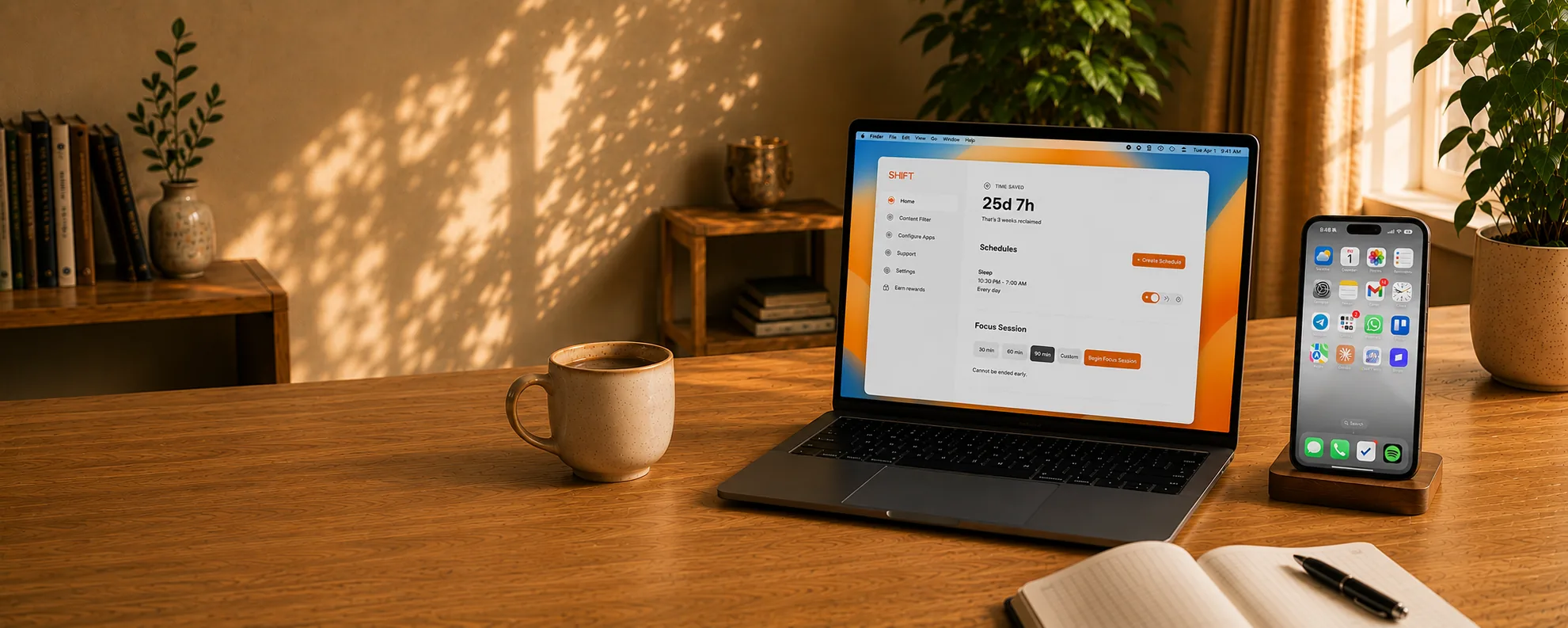
Laptop and iPhone showing SHIFT on a warm desk
5,000+ people reclaiming their time

Scroll LessLive More

The distraction blocker designed to be impossible to bypass.

Blocks distracting
apps & websites
Impossible
to bypass
Smart schedules
that stick
Works across
all your devices
Get SHIFT
Join 5,000+ people reclaiming their time

Stop doomscrollingin 1 click.

No workarounds. No willpower. No doomscrolling.

Works on Mac, Windows, iPhone & iPad
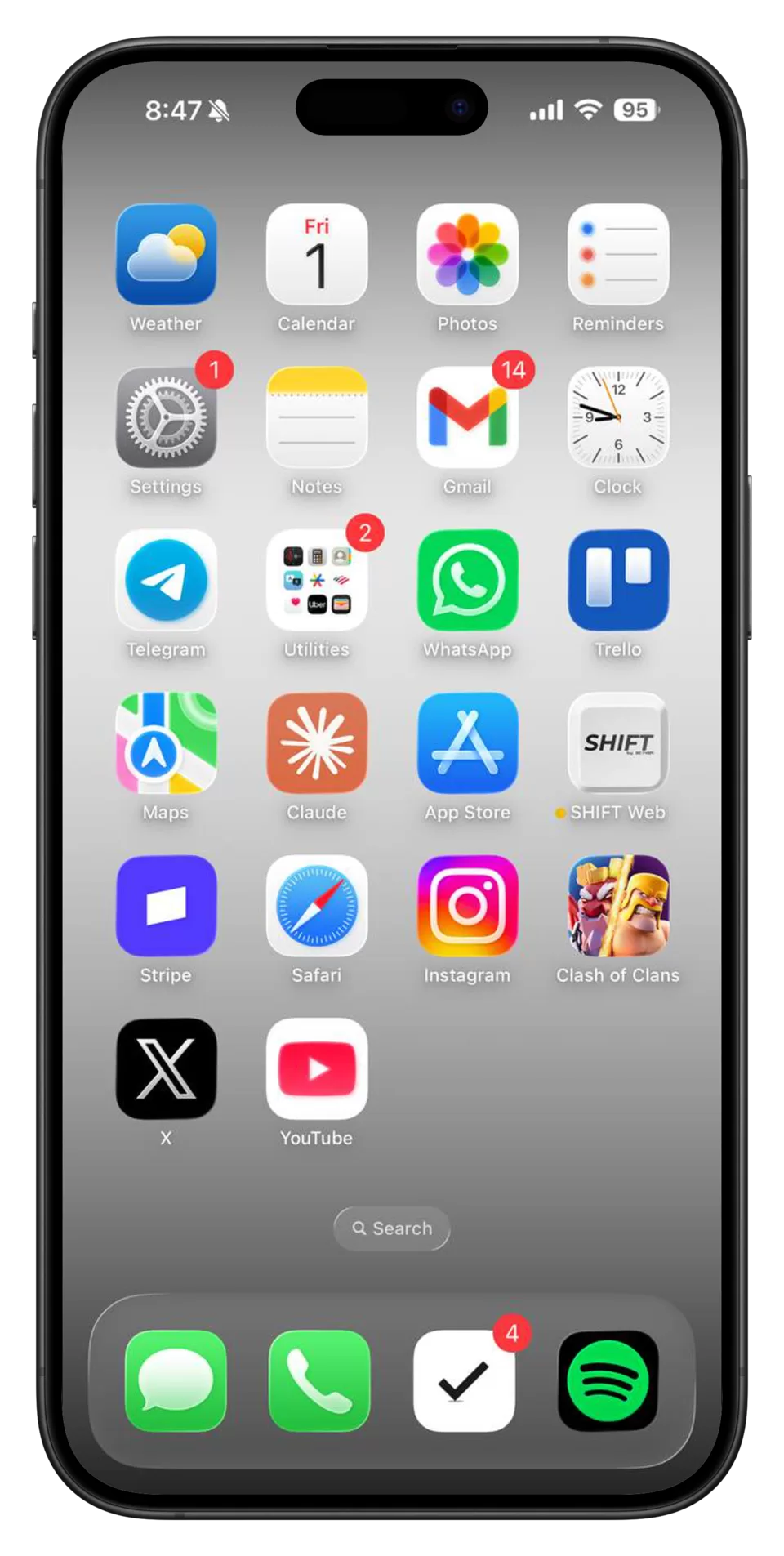
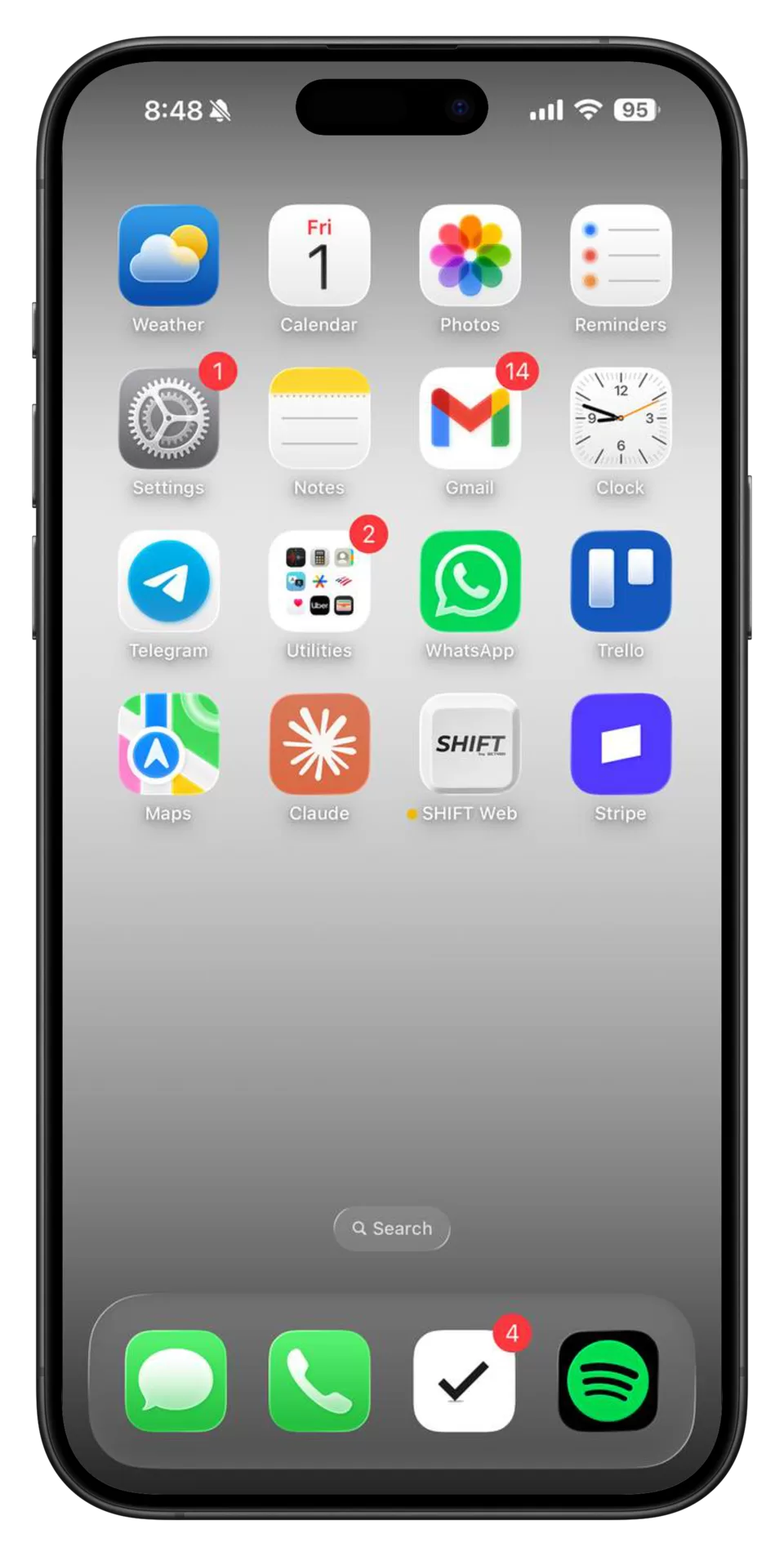
iPhone with distracting apps blocked by SHIFT iPhone home screen after SHIFT blocks distracting apps

The screen time solution that's impossible to bypass.

SHIFT is a desktop-controlled blocker for your phone, designed for the moment willpower gets weak.

30-day Money-back guarantee
5.0
5,000+ people reclaiming their time
Get SHIFT
Three steps between you and distraction-free time

Block the escape hatch from your computer.

SHIFT controls your phone from desktop, so the blocker is not something you can delete, toggle off, or route around from the device you are trying to protect.

1 Download the desktop app

Install SHIFT on your computer.
This becomes the control center for your devices.

2 Connect your phone

Connect your phone and computer
in under a minute.

3 Start a manual SHIFT, focus session, or schedule

Start blocking right now, launch a focus session,
or set a schedule that runs automatically.

4 Stay committed

Once a session starts, SHIFT keeps distractions
blocked until your commitment ends.

Get SHIFT

Works across all your devices

Download the desktop app

Connect your devices

Then block the distractions
Instagram
Facebook
TikTok
YouTube
X
Snapchat
AND KEEP THE TOOLS
Camera
WhatsApp
Spotify
Uber
ChatGPT
Maps
Get SHIFT
How we solve the problem

Start a shift, create schedules, begin a focus session.

SHIFT is the only screen-time solution that is impossible to bypass from your phone. Manual shifting, focus mode, and schedules keep the backdoors closed.

Feature 01

Manual shifting

Shift your phone instantly whenever you need. Distracting apps and websites stay blocked until you unshift.

Shift now. Stay in control.
Feature 02

Focus mode

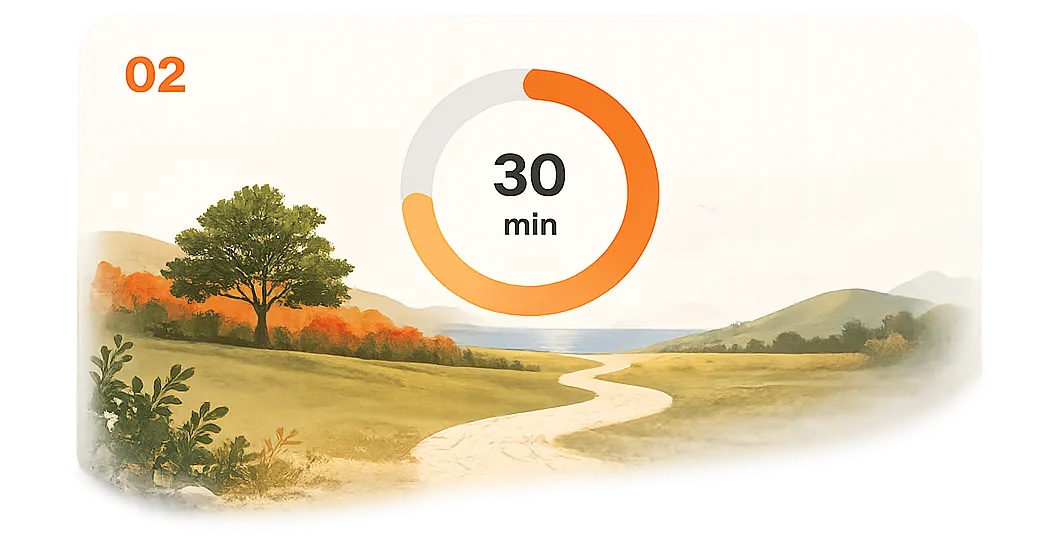
Choose how long you want to focus. Once started, distracting apps and websites stay blocked until time is up.

No exits. No shortcuts. Just focus.
Feature 03

Schedules

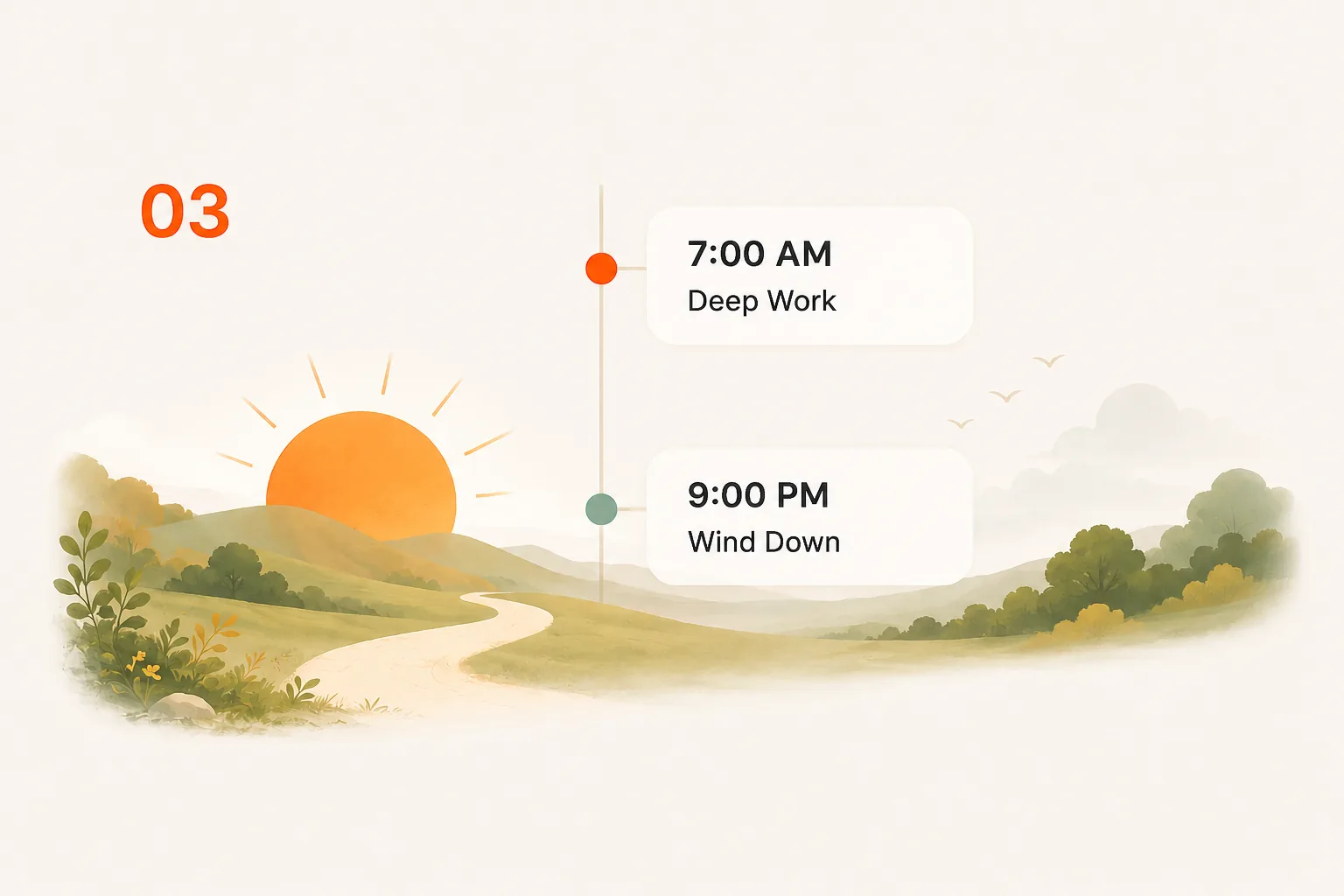
Create custom schedules that run automatically. SHIFT handles the discipline so you don't have to.

Set it once. Stay consistent.
Get SHIFT

What makes us different

SHIFT is designed to be impossible to bypass. Other blockers keep the key on your phone. SHIFT moves it out of reach.
Other blockers

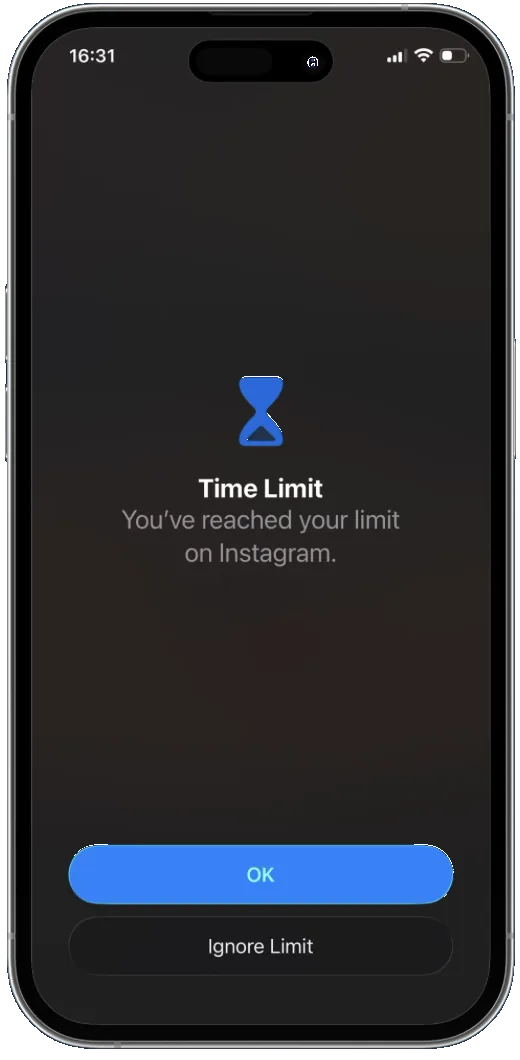
  • Apple Screen TimeTap one button to ignore the limit.
  • OpalDelete or remove the app when willpower drops.
  • BrickPhysically tap to unlock whenever you want.
  • FreedomPhone-side controls still leave escape routes.
  • Most blockersNo true lock for schedules or focus sessions.

SHIFT

  • Controlled from your desktop
  • Cannot disable or uninstall while shifted
  • Create schedules and focus sessions
  • Limits cannot be ignored
  • Closes every loophole
SHIFT closes every exit. Once your phone is shifted, the blocker cannot be removed or bypassed from the phone. Schedules and focus sessions stay locked until their set end time.
I want the details

SHIFT is a desktop-controlled app blocker for iPhone, iPad, and Android. Unlike Screen Time, Opal, Brick, and other app blockers that rely on Screen Time APIs and can be bypassed or deleted from the phone, SHIFT is the only app blocker with zero workarounds.

On Android, Safe Mode normally bypasses system restrictions, but SHIFT blocks Safe Mode while its active. On iPhone, iPad, and Android, factory reset and device restore are both blocked while shifted.

Over 5,000 users have cut their daily screen time from an average of 8 hours to just 4 hours. SHIFT is a one-time $149 lifetime license with a 30-day money-back guarantee.
Get SHIFT

Choose your SHIFT plan

Choose lifetime app blocking for yourself, your spouse, or your whole household. One payment. No subscription.

30-day Money-back guarantee
5.0
5,000+ people reclaiming their time
Solo
$149 once
1 device$149/device
  • Content filtering included
  • Block distracting apps
  • Schedule shifting
  • iOS and Android
  • Setup in 5 minutes
Buy now 1 phone, lifetime access
Most popular
Duo
$298 $249 once
2 devices$124.50/device
  • Everything in Solo
  • 2 devices, one purchase
  • Save $49 vs two Solos
  • Quit together — built-in accountability
Buy now Best for couples
Save $346
Family
$745 $399 once
5 devices$79.80/device
  • Everything in Solo
  • Up to 5 devices
  • Save $346 vs five Solos
  • Cover the whole household
Buy now Best for households
30-day money-back guarantee
Used by 5,000+ users
Subscription blockers charge forever — Opal runs ~$99/yr, Freedom ~$40/yr. SHIFT is one payment, yours for life.

Everything you need to know before using SHIFT.

No, all apps have been pre-filtered for usefulness and entertainment. Useful apps — such as payment, navigation, note taking, health and wellness, and messaging — are available while shifted. Entertaining apps — such as social media, gaming, and news/magazine apps — are unavailable while shifted.
Yes. You can schedule shifts for any length of time. During a scheduled shift, unshifting is completely blocked — even from your computer.
Every other app blocker — including Opal, Brick, and Screen Time — can be bypassed or deleted from your phone. SHIFT lives on your desktop computer, making it impossible to remove from your phone. There’s no workaround.
Yes. SHIFT includes a content filter that blocks distracting websites while you’re shifted — something no other app blocker offers.
Download SHIFT on your Mac or PC, connect your phone via USB, and follow the setup instructions. After the initial setup, SHIFT works wirelessly.
Yes, SHIFT works on both Android and iOS devices. On Android, the blocked apps do not visibly disappear while shifted; they are simply disabled.
You can request whitelist changes directly from the SHIFT app. We review requests and update regularly.
Yes. Because SHIFT is controlled from your computer, it’s ideal for parents. Your child can’t disable it, delete it, or work around it from their phone. See our dedicated page for parents.
30-day money-back guarantee. If SHIFT isn’t for you, we’ll refund you in full.
Unlike subscription blockers, SHIFT is software installed on your own computer — not a service you rent month to month. You pay once, and there’s no recurring billing that can lapse or get repriced. And the 30-day money-back guarantee means you can try it with zero risk.
Text us at the number in the app for prompt support. If your computer is lost, just log in on a different one and keep going.
No. SHIFT does not read, download, transmit, or store your personal information. We don’t collect personal data and therefore cannot sell it.