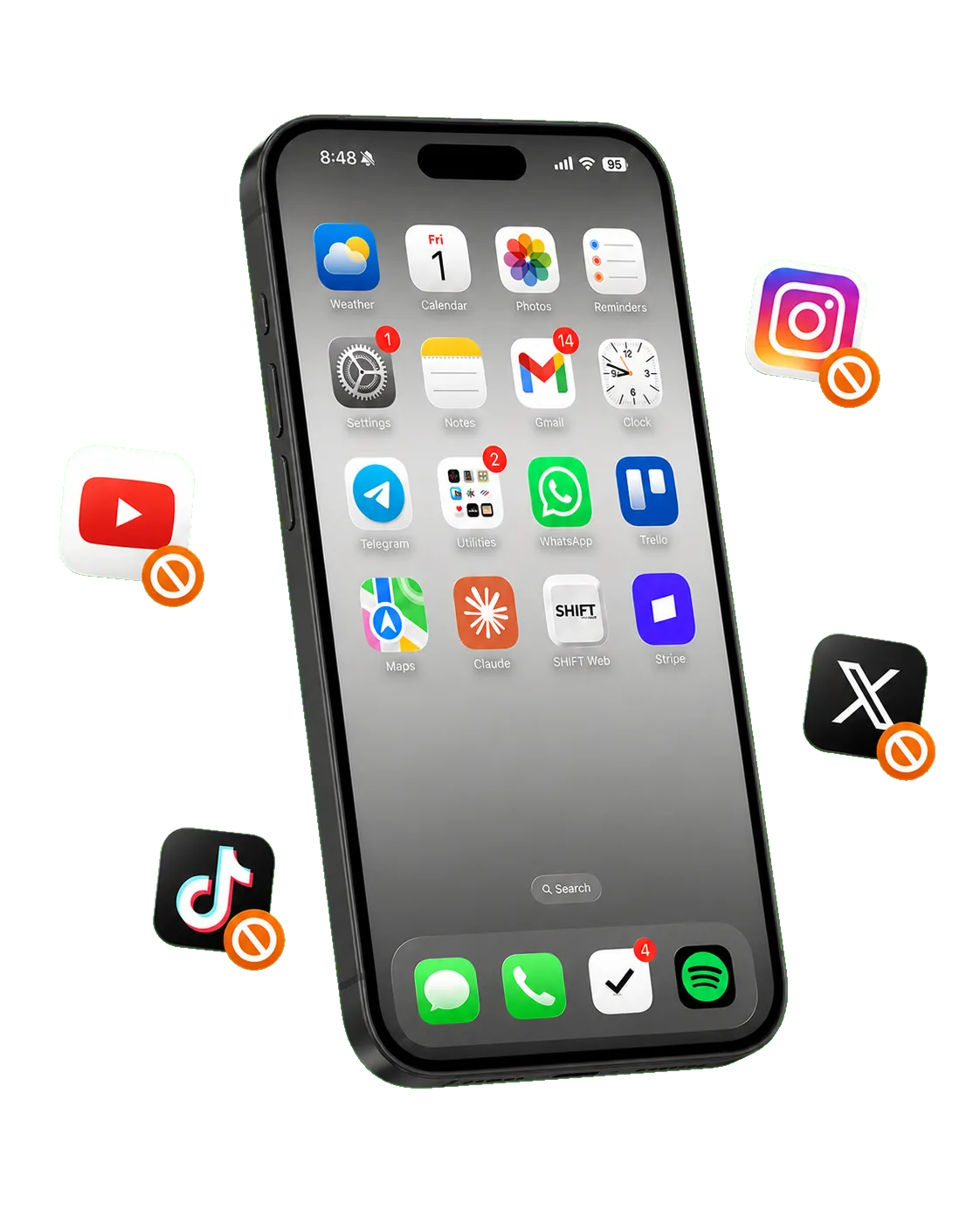
 Instagram
 TikTok
 YouTube
 Twitter



Step 01
Connect your device
Desktop control locks filter mode on your phone, without phone-side workarounds.
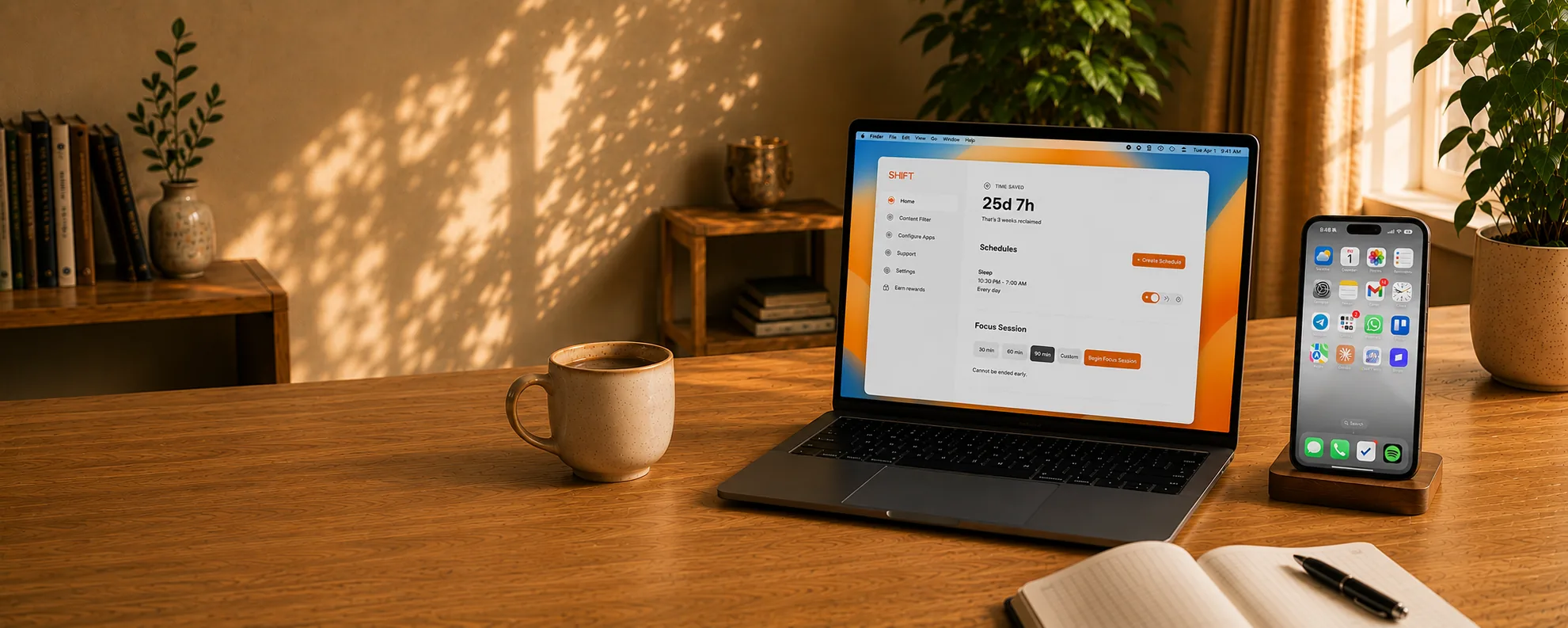
The phone blocker your child cannot delete, disable, or bypass.
Computer-controlled app blocking your child cannot delete, disable, or work around from their phone.
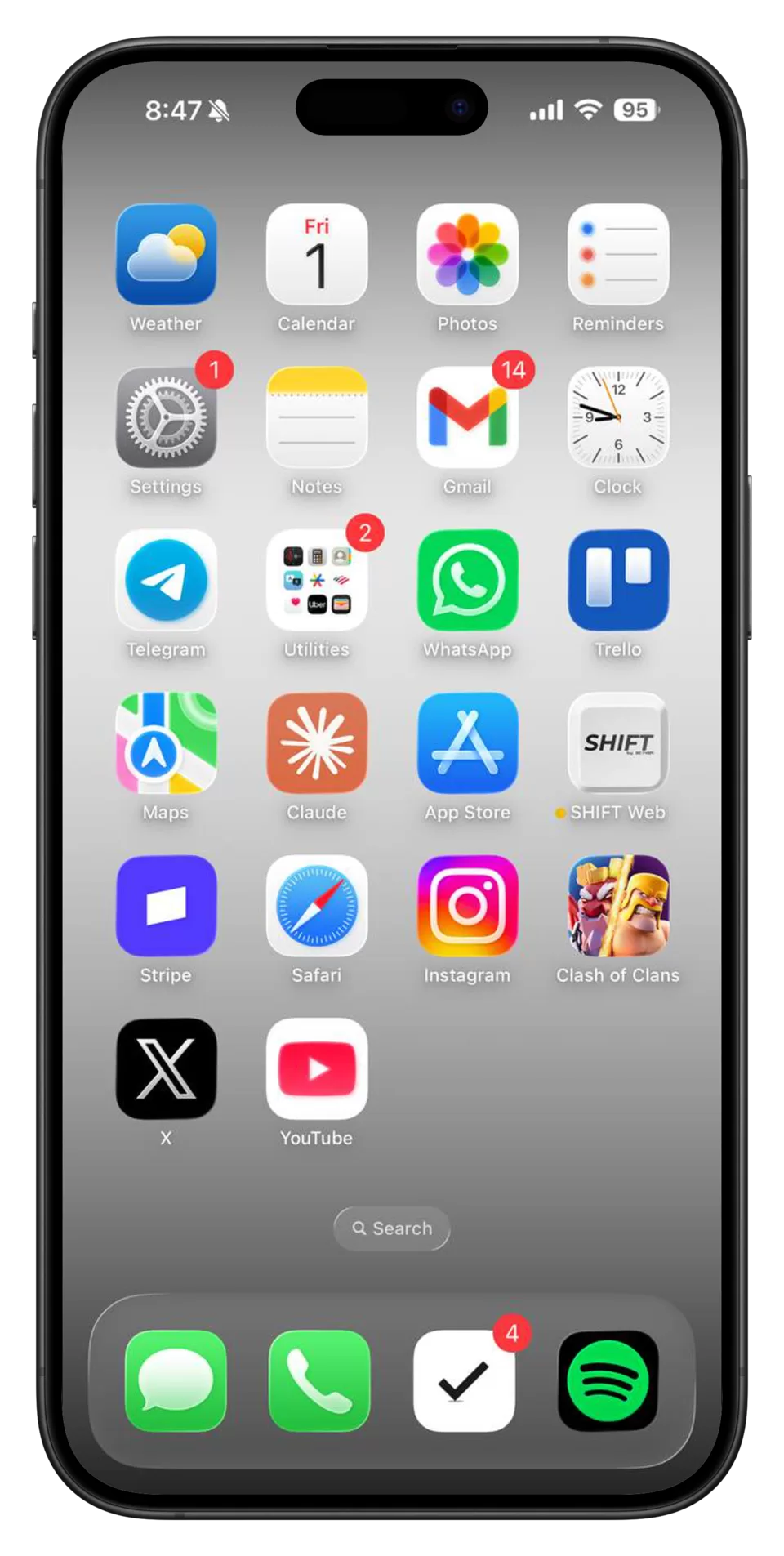
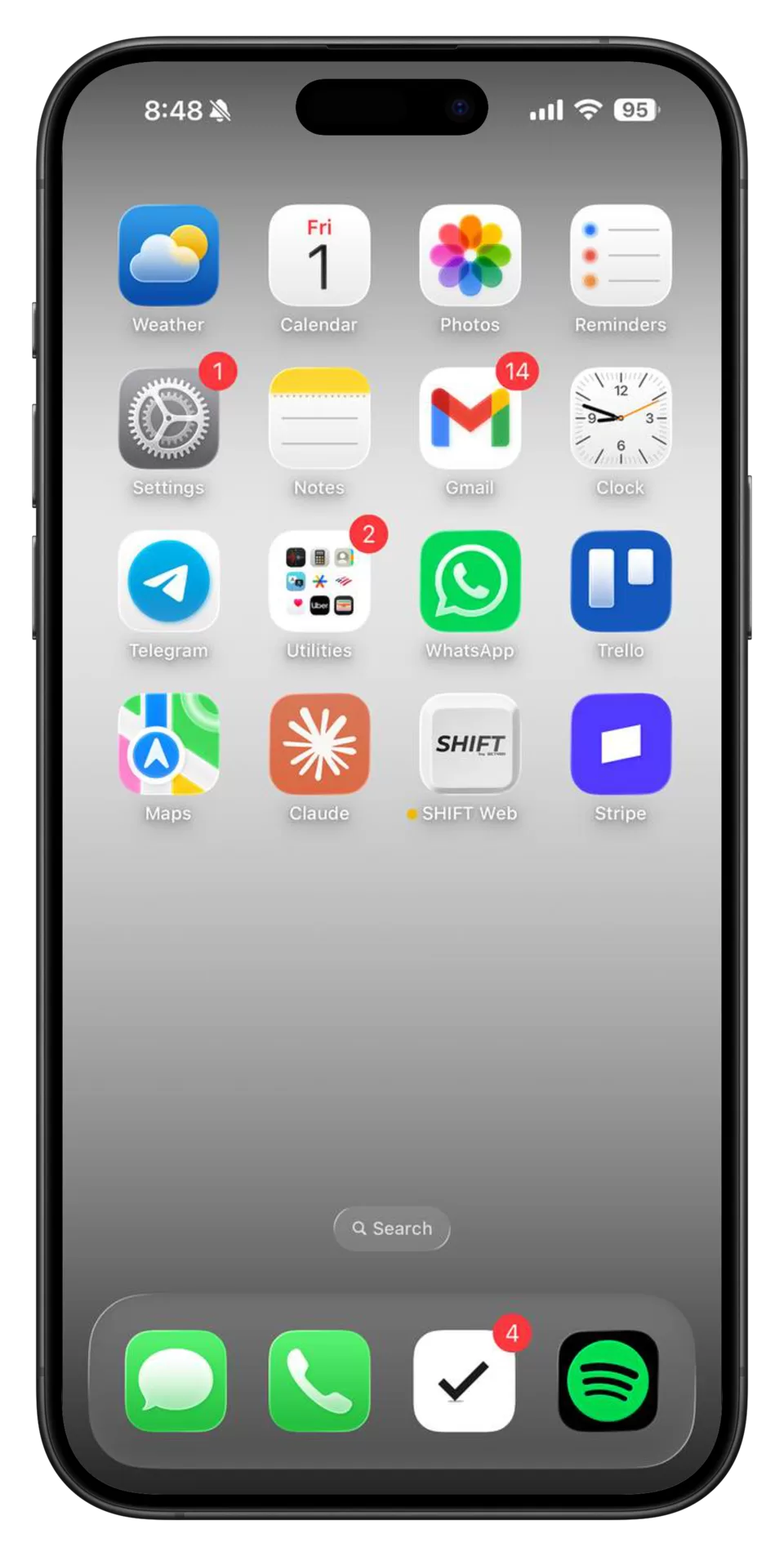
That's enough for...
SHIFT controls your child's phone from your desktop, so the blocker is not something they can delete, toggle off, or route around from the device you are trying to protect.
Install SHIFT on your computer.
This becomes the control center for your devices.
Connect your child's phone and computer
in under a minute.
Start blocking right now, launch homework mode,
or set a schedule that runs automatically.
Once a session starts, SHIFT keeps distractions
blocked until the schedule ends.
Manage every family device
Desktop control locks filter mode on your phone, without phone-side workarounds.
Entertainment, social media, and escape routes are disabled.
The apps you actually need remain usable, so focus mode does not break your day.
SHIFT is the only parental-control solution that is impossible to bypass from your child's phone. Parent-controlled shifting, homework mode, and bedtime schedules keep the backdoors closed.
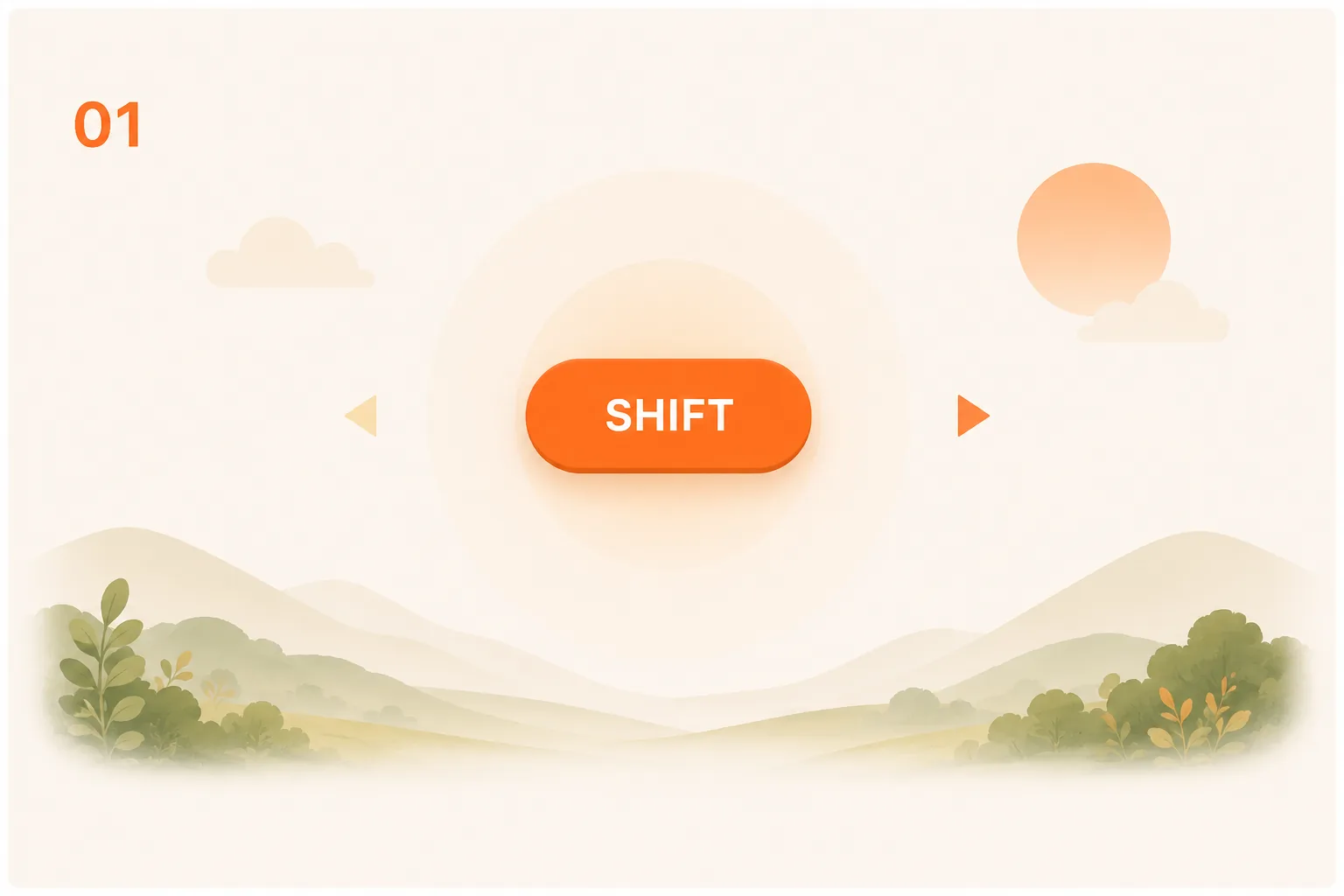
Shift your child's phone instantly whenever you need. Distracting apps and websites stay blocked until you allow access.
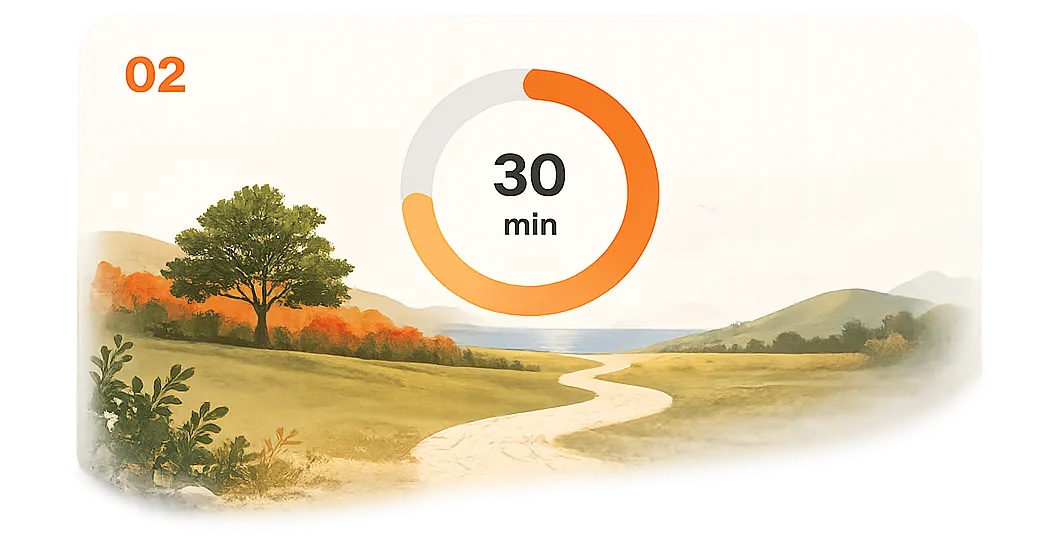
Choose how long homework or study time should last. Once started, distracting apps and websites stay blocked until time is up.
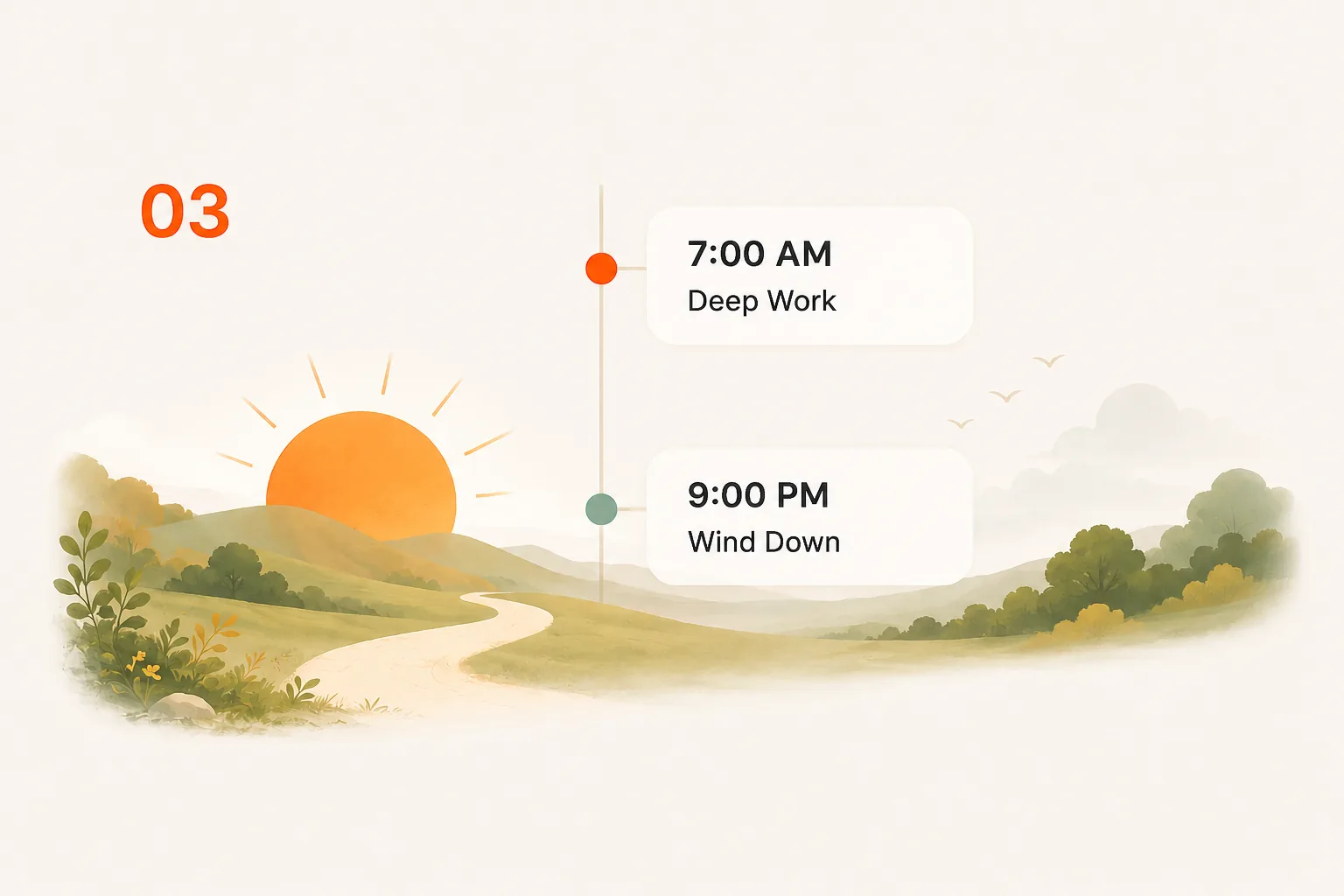
Create school-night, homework, and bedtime schedules that run automatically. SHIFT handles the enforcement so you don't have to.
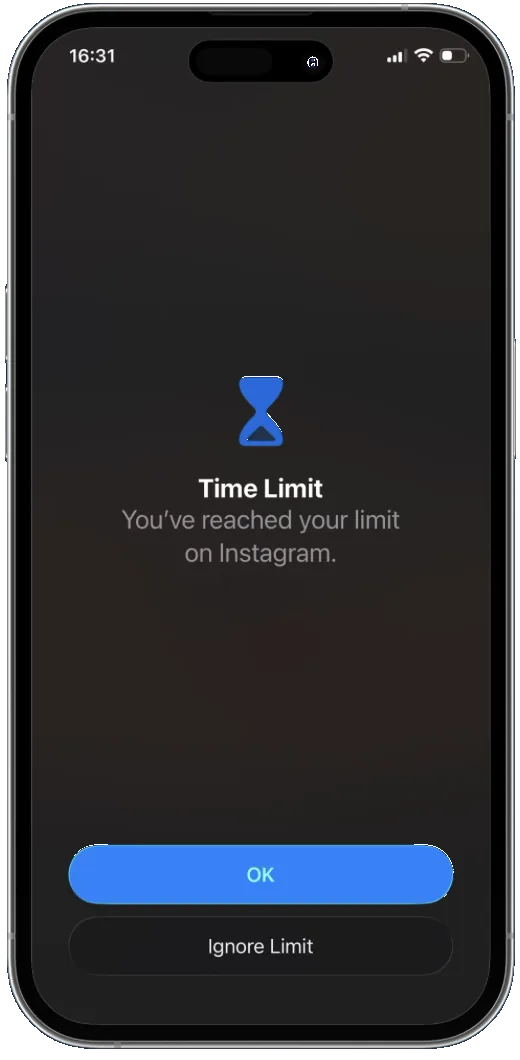
SHIFT is designed to be impossible for your child to bypass. Other parental controls keep the key on the phone. SHIFT moves it to your computer.
 Controlled from the parent's desktop Child cannot disable or uninstall while shifted Create bedtime, homework, and school schedules Limits cannot be ignored from the phone Closes every phone-side loophole
 SHIFT is a desktop-controlled app blocker for iPhone, iPad, and Android. Unlike Screen Time, Bark, Qustodio, and other parental controls that keep control on the phone, SHIFT moves control to the parent's computer.
On Android, Safe Mode normally bypasses system restrictions, but SHIFT blocks Safe Mode while active. On iPhone, iPad, and Android, factory reset and device restore are both blocked while shifted.
Over 5,000 users use SHIFT to reclaim their time and attention. Family plans cover up to five devices with a 30-day money-back guarantee.